The Phomemo M110 Label Maker Machine review centers on a compact thermal printer aimed at small businesses, crafters, and people who label items around the home.
Its phone app, support for 20–50 mm label widths, and included starter labels make it most appealing when you need varied short runs rather than standard parcel shipping labels.
Phomemo M110 Review Summary
The quick verdict
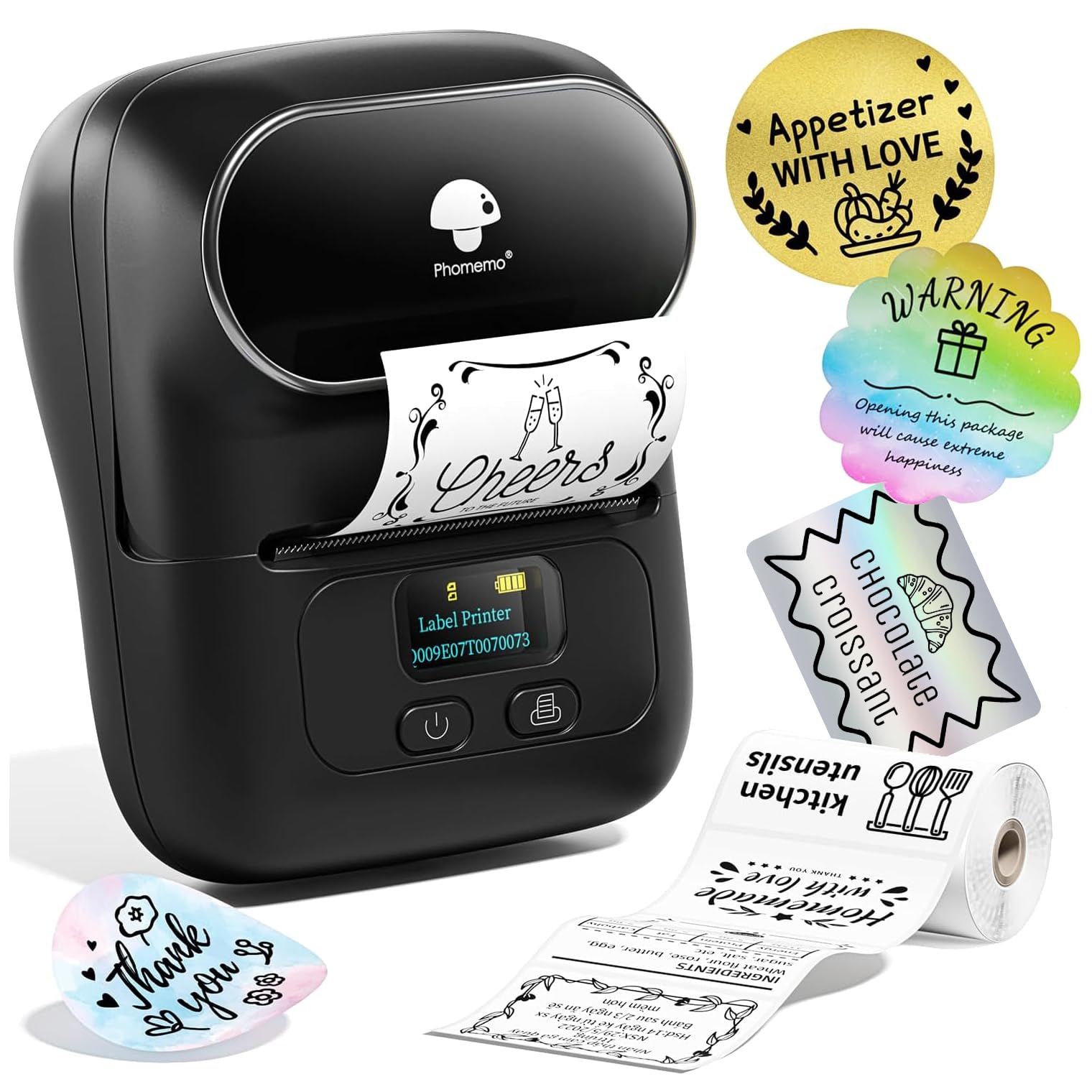
2,000+ ratings
Read Amazon ReviewsPhomemo M110 Label Maker
A fit for small sellers and home users who want portable, ink-free printing for product, address, and organization labels.
- Bluetooth connection to iPhone and Android through the Print Master app.
- Thermal printing that does not require ink or toner.
- Supports label widths from 20 to 50 mm for compact product, address, and organization labels.
- Print Master app includes more than 130 fonts and 300 templates; additional templates are available through a subscription.

Pros
- Covers several small-business label needs, including barcodes, price tags, and ingredient labels.
- App templates and fonts provide a range of ready-made designs for different tasks.
Consider before buying
- The 20–50 mm width range is for compact labels and may not suit larger mailing or shipping-label formats.
- Some additional app templates require a subscription, so check whether the included design choices meet your needs.
Read the full review summary
The M110 combines Bluetooth printing from iPhone or Android with the Print Master app, which offers more than 130 fonts and 300 templates.
That gives sellers and organizers a starting point for price tags, ingredient labels, barcodes, and address labels without designing every layout from scratch. The printer uses direct thermal printing, so it does not require ink or toner.
Its portable format and included 100 labels are convenient for getting started, while the listed four-hour battery life and 1.2-inch-per-second speed suggest a tool suited to intermittent labeling and batches.
The practical tradeoff is the label width range: 20–50 mm is useful for compact labels, but buyers needing full-size shipping labels should look for a printer designed around that format.
Computer use is also mentioned through USB, so confirm operating-system and software compatibility before relying on a desktop workflow.
The buying factors
Phomemo M110 Scorecard
Editorial scores reflect listed features and buyer fit; they are not laboratory measurements or customer ratings.
Small-business labeling
The described uses include price tags, ingredient labels, product barcodes, and batch printing for small sellers.
Label design options
The Print Master app includes more than 130 fonts and 300 templates, with additional templates available through a subscription.
Portability
Bluetooth phone printing, cordless operation, and a stated four-hour battery life suit mobile or occasional use.
Label size flexibility
A 20–50 mm width range covers several compact label tasks, though it is not a wide-format shipping-label design.
Setup and workflow
The app-based Bluetooth workflow is designed for phones; buyers who prefer printing from a computer should confirm the USB setup details.
Batch printing
The listed speed and batch-printing capability support repeated labels, though the product description does not specify a measured batch time.
Key Features and Specifications of Phomemo M110
- Bluetooth connection to iPhone and Android through the Print Master app.
- Thermal printing that does not require ink or toner.
- Supports label widths from 20 to 50 mm for compact product, address, and organization labels.
- Print Master app includes more than 130 fonts and 300 templates; additional templates are available through a subscription.
- Includes 100 starter labels in 40 × 30 mm size.
- Listed battery life is up to four hours, with a stated print speed of 1.2 inches per second.
- USB computer use is described for PC and Mac; check the software and operating-system requirements for your setup.
Pros and Cons of Phomemo M110
Pros
- Covers several small-business label needs, including barcodes, price tags, and ingredient labels.
- App templates and fonts provide a range of ready-made designs for different tasks.
- Thermal printing removes the need to buy ink or toner.
- Starter labels are included, so basic printing can begin without sourcing a first roll separately.
Consider before buying
- The 20–50 mm width range is for compact labels and may not suit larger mailing or shipping-label formats.
- Some additional app templates require a subscription, so check whether the included design choices meet your needs.
- The computer connection is described as USB, but buyers should confirm software compatibility for their particular PC or Mac.
Who Should Buy Phomemo M110?
Good fit
Consider the M110 if you run a small shop, sell at markets, make crafts, or regularly need short runs of product and organization labels.
The supported width range and app templates are relevant to barcodes, ingredient information, price tags, and other compact formats.
It also makes sense for a home or mobile workspace where phone-based printing and a rechargeable battery are more useful than a permanently installed desktop setup.
The 100 included 40 × 30 mm labels provide a practical starting point, though you may want different label sizes for other tasks.
Before buying, compare the label dimensions you use most often with the 20–50 mm range. If you plan to print from a computer, confirm that the USB workflow and software support your operating system.
Who should skip it
Skip this model if your main job is printing full-size parcel labels; its documented label width range is intended for smaller formats.
Look elsewhere if your workflow depends on a specific desktop operating system or advanced app templates and you have not confirmed compatibility or subscription requirements.
How the Phomemo M110 Fits a Small Labeling Workflow
A compact format for varied labels
The 20–50 mm width range positions the M110 for compact labels rather than large shipping documents.
It can serve different small-label tasks—from product identifiers to home organization—without requiring a separate design for each use, but buyers should measure the label space they need before choosing.
Templates help with repeat work
More than 130 fonts and 300 templates in Print Master can reduce setup for common layouts.
For a seller who prints the same item labels repeatedly, batch printing and reusable designs are useful workflow features; the description does not provide a guaranteed output time for any particular batch.
Phone-first convenience with a computer option
Bluetooth phone printing is the clearest connection path in the product details, with USB use for PC and Mac also mentioned.
That combination can suit a workspace that moves between phone and computer, provided the necessary desktop software supports the buyer's system.
Thermal printing shifts the supply routine
Direct thermal printing avoids ink and toner, leaving label media as the key consumable. This simplifies the supply setup for occasional or mobile label printing, while buyers should choose label sizes that match the M110's supported width range.
Alternatives to Phomemo M110
Desktop Label Printers alternative
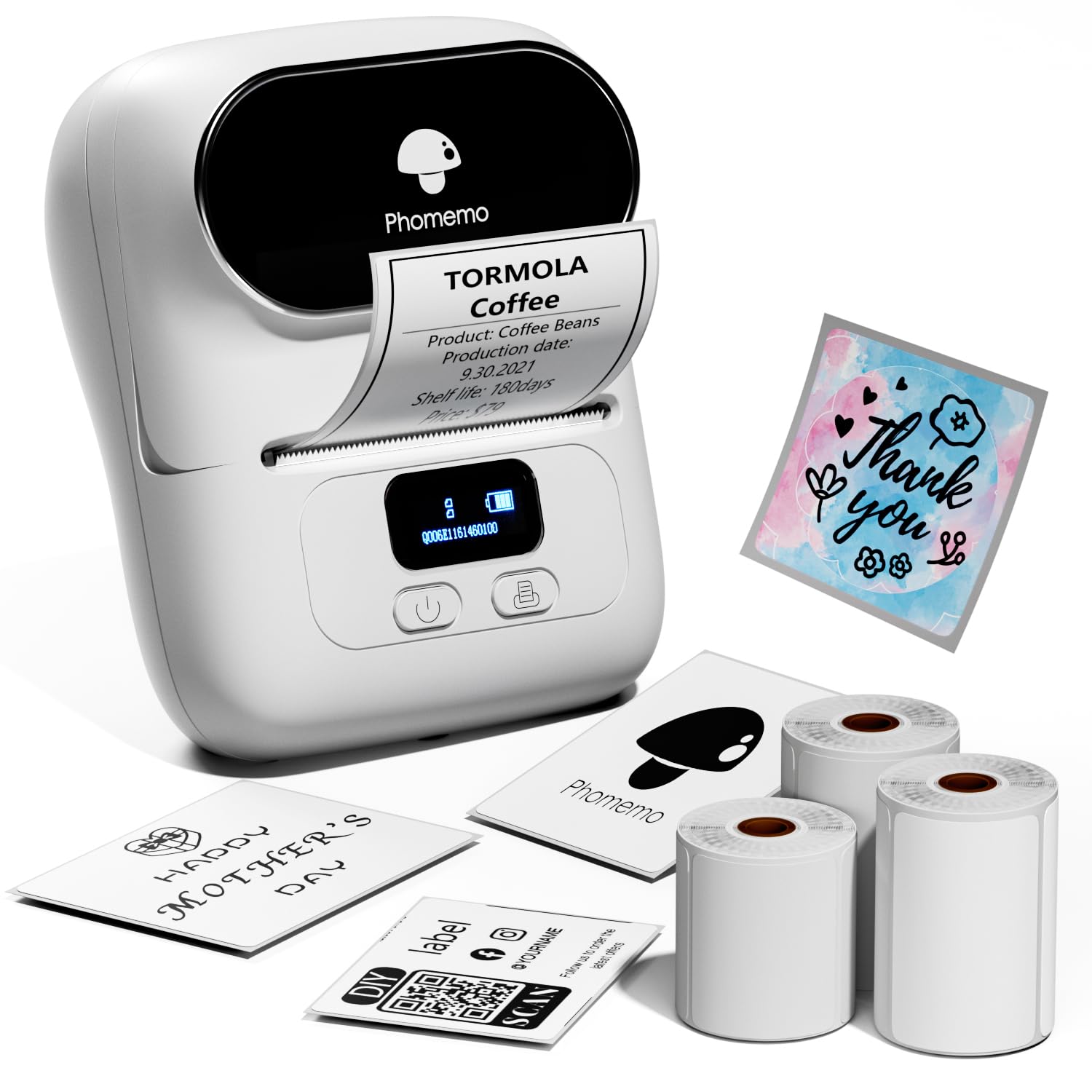
6,000+ ratings
Read Amazon ReviewsPhomemo M110 with Three Labels
Choose this package if trying three included label sizes matters more than starting with a larger quantity of one size.
The core M110 width range and phone-oriented workflow are similar, so compare the included media with the labels you expect to use.
- This M110 package lists three label sizes—40 × 30 mm, 50 × 30 mm, and 50 × 80 mm—and describes Bluetooth phone printing, pre-cut labels, and the same 20–50 mm width range.
- The reviewed M110 configuration includes 100 starter labels in one 40 × 30 mm size, with support for 20–50 mm label widths.
Desktop Label Printers alternative
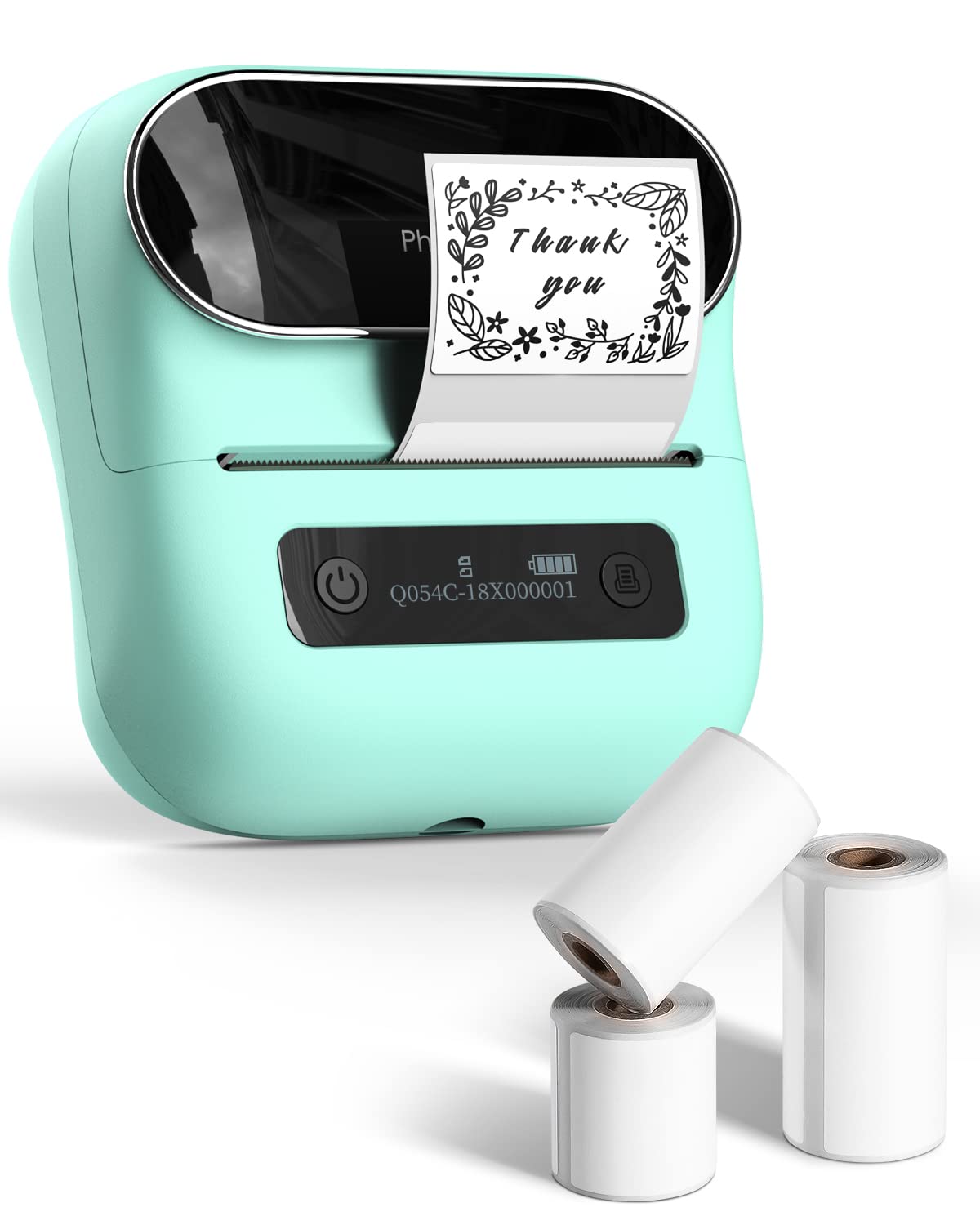
700+ ratings
Read Amazon ReviewsPhomemo M220 Label Maker
Consider the M220 if you want a wider label range and both phone and computer connections. The M110 remains the more compact-width choice for buyers whose labels fit within 20–50 mm.
- The M220 supports label widths from 0.78 to 3.14 inches, with Bluetooth for phones and tablets and USB for computers; it does not support 4 × 6 inch labels.
- The M110 is described for labels 20–50 mm wide, making it a compact-format option for product and organization labels.
Is Phomemo M110 Worth It?
The Phomemo M110 Label Maker is worth considering for small sellers, crafters, and home users who need portable printing for compact labels. Its app templates, thermal operation, and included starter labels address practical everyday labeling needs.
Buy it when the 20–50 mm width range fits your work and phone-based Bluetooth printing suits your routine. For larger labels or a computer-dependent workflow, verify the format and connection details before choosing.
Your review at a glance
2,000+ ratings
Read Amazon ReviewsPhomemo M110 Label Maker
A fit for small sellers and home users who want portable, ink-free printing for product, address, and organization labels.
- Bluetooth connection to iPhone and Android through the Print Master app.
- Thermal printing that does not require ink or toner.
- Supports label widths from 20 to 50 mm for compact product, address, and organization labels.
- Print Master app includes more than 130 fonts and 300 templates; additional templates are available through a subscription.