The Phomemo M110 Label Printer review is for buyers who want one compact printer for product, address, barcode, and household labels.
Its included assortment of three label sizes and app-based editing gives small businesses a flexible starting point, with a phone-first setup to factor into daily use.
Phomemo M110 Review Summary
The quick verdict
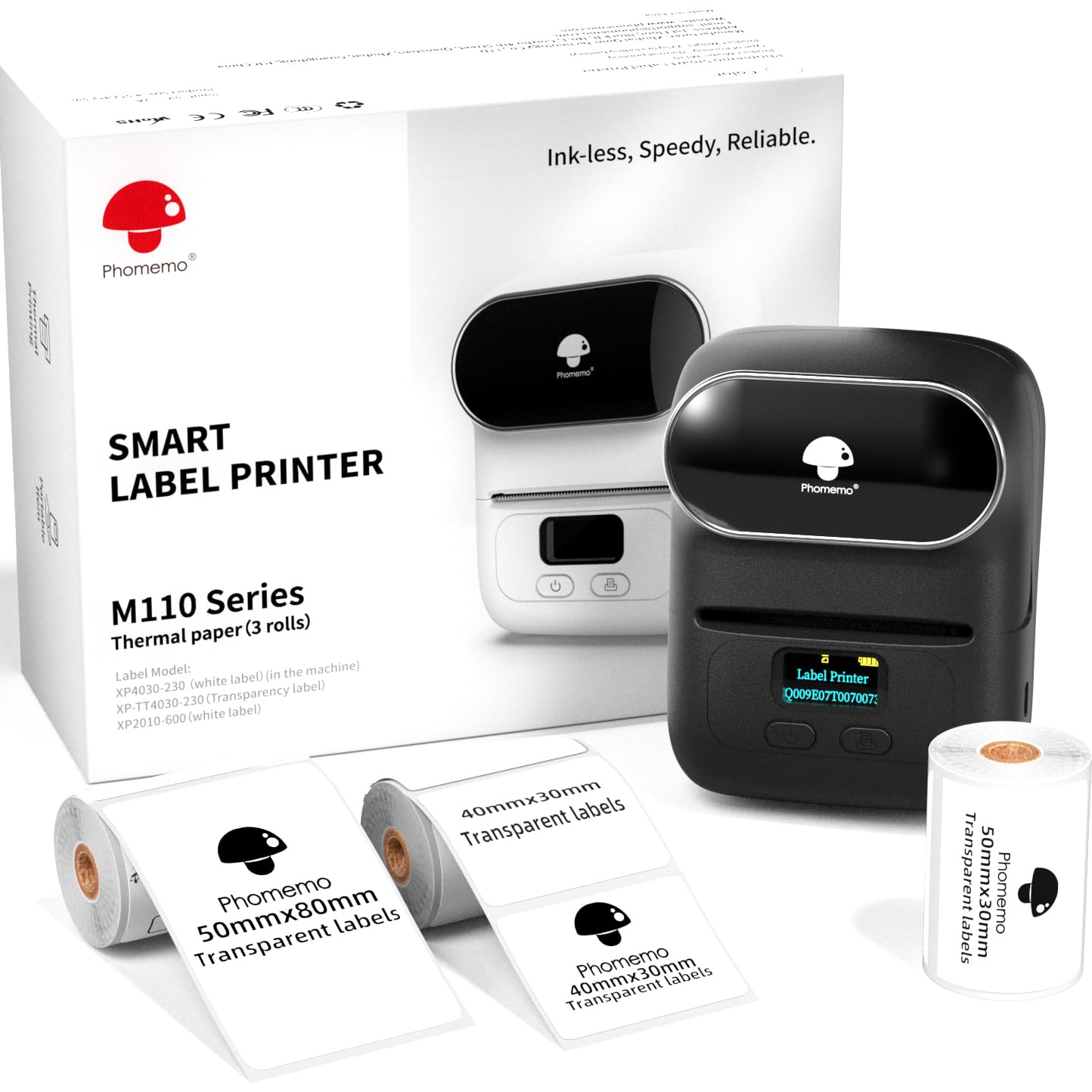
1,000+ ratings
Read Amazon ReviewsPhomemo M110 Label Printer
A compact thermal label printer for small businesses and home users who need varied label sizes, batch printing, and app-based design.
- Prints labels 20–50 mm wide and up to 80 mm long.
- Supports text, pictures, QR codes, barcodes, and batch printing.
- Includes three label sizes: 40 × 30 mm, 50 × 30 mm, and 50 × 80 mm.
- Uses the Print Master app for templates, custom designs, and saved layouts.

Pros
- Three included label sizes provide useful variety for trying different jobs.
- Supports both barcode and QR code printing, along with ordinary text and images.
Consider before buying
- Bluetooth pairing must be completed through the Print Master app, rather than the device's Bluetooth settings.
- The supported label format tops out at 50 mm wide and 80 mm long, so check dimensions carefully for each intended use.
Read the full review summary
The M110 is designed around flexible, narrow-format labeling rather than oversized shipping labels.
It handles label widths from 20 to 50 mm and lengths up to 80 mm, with support for text, pictures, QR codes, barcodes, and batch printing.
That range suits product identification, pricing, ingredients, jewelry, clothing, and addresses where a compact label is enough.
The bundle includes three label sizes—40 × 30 mm, 50 × 30 mm, and 50 × 80 mm—and the printer uses the Print Master app to design, save, and print layouts.
Bluetooth setup must happen inside the app after turning Bluetooth on; pairing directly through device settings can fail.
Buyers who are comfortable with an app-led workflow get a versatile tool, while those who need a printer-centered computer workflow should confirm that their preferred setup fits.
The buying factors
Phomemo M110 Scorecard
Editorial scores reflect listed features and buyer fit; they are not laboratory measurements or customer ratings.
Label size flexibility
The supported 20–50 mm width range and up-to-80 mm length accommodates several common compact labeling jobs.
Label task range
Text, images, QR codes, barcodes, and batch printing cover both identification and small-business labeling needs.
Included label variety
Three different label sizes let buyers try multiple formats at the outset.
Design options
The app offers templates, saved custom layouts, more than 30 fonts, emojis, and borders.
Setup convenience
Bluetooth and app setup are straightforward in concept, but the required in-app connection step is easy to overlook.
Portable work sessions
The compact portable design and listed four hours of continuous working time support mobile or intermittent labeling sessions.
Key Features and Specifications of Phomemo M110
- Prints labels 20–50 mm wide and up to 80 mm long.
- Supports text, pictures, QR codes, barcodes, and batch printing.
- Includes three label sizes: 40 × 30 mm, 50 × 30 mm, and 50 × 80 mm.
- Uses the Print Master app for templates, custom designs, and saved layouts.
- App design tools include more than 30 fonts, 500 emojis, and 40 borders.
- OCR can recognize text in images and convert it into editable text.
- Listed for up to four hours of continuous working time, with a print speed of 1.2 inches per second.
Pros and Cons of Phomemo M110
Pros
- Three included label sizes provide useful variety for trying different jobs.
- Supports both barcode and QR code printing, along with ordinary text and images.
- Batch printing is useful when preparing repeated product or address labels.
- Templates and reusable custom layouts can reduce repeated design work.
Consider before buying
- Bluetooth pairing must be completed through the Print Master app, rather than the device's Bluetooth settings.
- The supported label format tops out at 50 mm wide and 80 mm long, so check dimensions carefully for each intended use.
- The workflow depends on an app for label editing and connection, which may not suit buyers who prefer a standalone interface.
Who Should Buy Phomemo M110?
Good fit
Consider the M110 if you label products, jewelry, clothing, ingredients, or addresses in compact formats and want one device for several label types.
The included three-size assortment gives you a way to test which dimensions suit your products before settling on a regular format.
Its barcode, QR code, and batch-printing support also make it a practical fit for sellers preparing repeated labels for a small inventory or event.
The reusable templates and custom saved designs are useful when the same label layout returns often.
Before buying, map your typical label dimensions to the 20–50 mm width and up-to-80 mm length limits.
Plan to connect through Print Master, with Bluetooth enabled, and check that the app-based workflow suits the device you intend to use.
Who should skip it
Look elsewhere if your labels need to exceed 50 mm in width or 80 mm in length. The M110 is built for compact formats, so confirm dimensions before choosing it for a particular product or mailing workflow.
It may be a poor fit if you want to pair through your phone or tablet's Bluetooth settings alone or do not want an app-centered design process. Its stated connection instructions require the Print Master app.
How the Phomemo M110 Fits Small-Format Labeling
A useful spread of compact sizes
The three included sizes—40 × 30 mm, 50 × 30 mm, and 50 × 80 mm—cover short tags as well as taller labels for more text.
The printer's overall size limits matter just as much: widths run from 20 to 50 mm, and labels can be up to 80 mm long.
This makes it easier to assess whether a product name, price, ingredients, or address will fit before making it part of a routine.
App design for repeat jobs
Print Master combines ready-made templates with saved custom designs, plus fonts, emojis, and borders for adapting labels to different uses. Batch printing can help with repeated labels, while OCR converts text from an image into editable copy.
These tools are most relevant when labels recur or need structured information such as a barcode; occasional one-off labels may need less design flexibility.
The connection step to remember
The setup detail that matters most is how Bluetooth pairing works. Turn Bluetooth on, then connect the printer inside Print Master; using the phone's regular Bluetooth settings instead can lead to a failed connection.
Keeping that step in mind should make the intended workflow clearer, particularly for someone setting up a label printer for the first time.
Portability and print pace
The M110 is described as portable and rated for four hours of continuous working time, with printing at 1.2 inches per second.
Those details point to short work sessions away from a fixed workstation and batches that do not require a large-format shipping printer.
For a mobile seller, the key practical question is whether the compact labels and app workflow match the way products are prepared and tagged.
Alternatives to Phomemo M110
Desktop Label Printers alternative
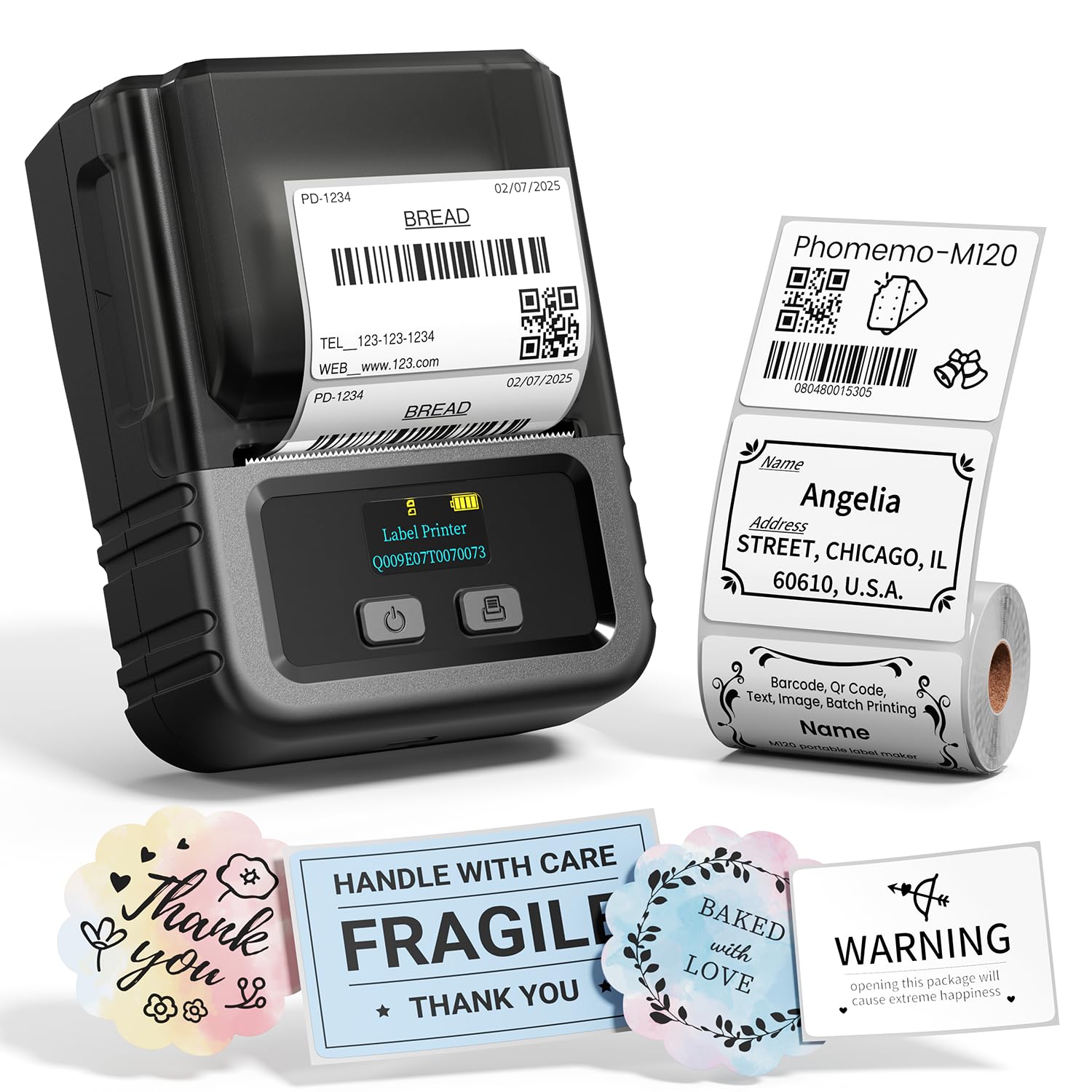
1,000+ ratings
Read Amazon ReviewsPhomemo M120 Label Printer
Choose the M110 if the included three-size mix is useful and phone-based printing covers your workflow. The M120 is a closer fit if you want the described USB-C computer connection as another way to work.
- The M120 supports 20–50 mm labels, includes a 40 × 30 mm starter roll, and lists Bluetooth app support for iOS and Android plus USB-C connectivity to Windows, Mac, and Chrome OS using Labelife.
- The M110 prints labels 20–50 mm wide, includes three label sizes, and connects to the Print Master app by Bluetooth.
Desktop Label Printers alternative
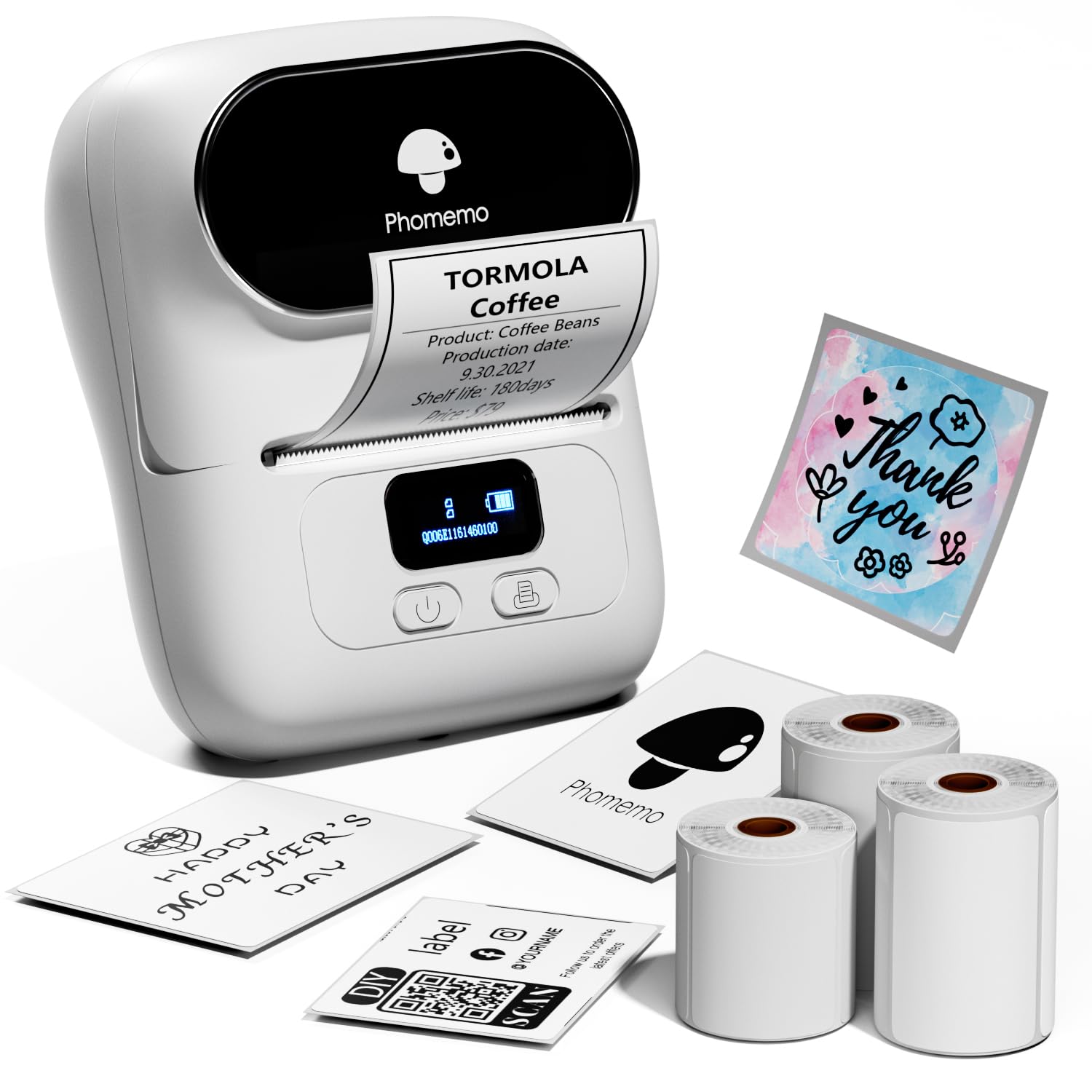
6,000+ ratings
Read Amazon ReviewsPhomemo M110 Label Printer
Consider this version if clear-label printing is a priority, since that capability is specifically described for it. The reviewed bundle is the more straightforward choice when the supplied three-size assortment and OCR details are the deciding features.
- This M110 version also includes those three label sizes and describes printing on clear labels, with Bluetooth connection through Print Master and support for Android and iOS.
- This M110 bundle includes 40 × 30 mm, 50 × 30 mm, and 50 × 80 mm labels and supports app-based batch printing.
Is Phomemo M110 Worth It?
The Phomemo M110 Label Printer is worth considering for compact product, address, barcode, and household labels, especially when the three included sizes, reusable app layouts, and batch printing match regular tasks.
Its practical appeal is the combination of format variety and label-design tools in a portable printer.
Check the 20–50 mm width and 80 mm maximum length against your labels, and be comfortable making the Bluetooth connection through Print Master.
If those limits and the app-led setup fit, the M110 is a sensible small-format option for home use or a modest labeling workload.
Your review at a glance
1,000+ ratings
Read Amazon ReviewsPhomemo M110 Label Printer
A compact thermal label printer for small businesses and home users who need varied label sizes, batch printing, and app-based design.
- Prints labels 20–50 mm wide and up to 80 mm long.
- Supports text, pictures, QR codes, barcodes, and batch printing.
- Includes three label sizes: 40 × 30 mm, 50 × 30 mm, and 50 × 80 mm.
- Uses the Print Master app for templates, custom designs, and saved layouts.